
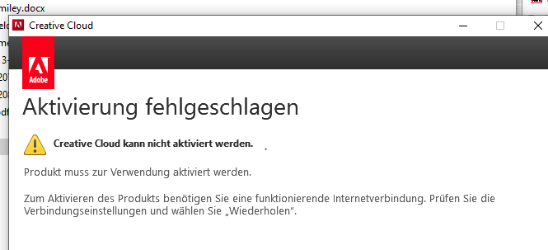
Problem description:
Solution:
1. Open Creative Cloud and log out.
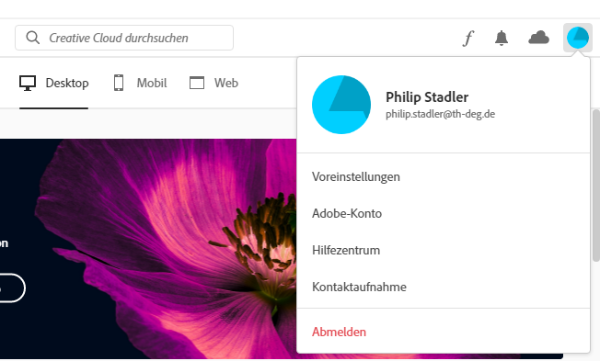
2. Launch Creative Cloud and log in with your THD username.
If this does not work, you will need to activate your account at https://adobe.th-deg.de/.
1. Open Creative Cloud and log out.
2. Launch Creative Cloud and log in with your THD username.
If this does not work, you will need to activate your account at https://adobe.th-deg.de/.